University College Dublin (UCD) crestOur School Through Time:Bringing Local School History to Life Through Augmented Reality.

A little inspiration

Small discoveries.
Brilliant experiences.

Your school is full of stories. Turn them into something people can see, hear and explore—one photo, one voice or one memory at a time.

Illustrated doorway into a colourful classroom, inspiring a school time portal

A whole new way to tell your story

Example ideas to inspire your next class project.

MAKE IT YOUR OWN

Five ways to bring a story to life

Start with content you already have. These illustrations show the kinds of ideas you could explore.

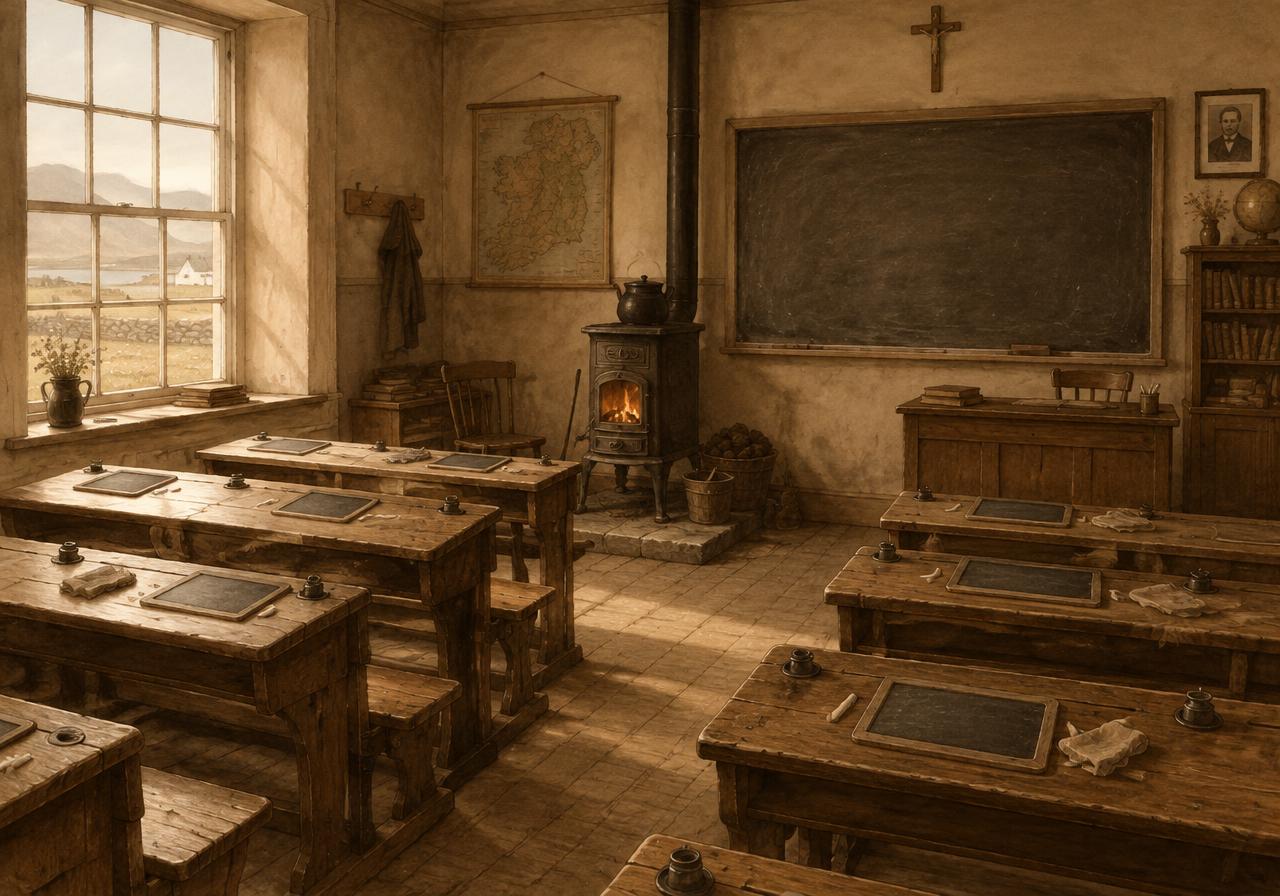
Illustrated classroom with wooden desks and a chalkboard
Then & now photos

01 / CREATE & EXPLORE

One place. Two moments in time.

Pair an old photograph with a picture of the same place today. Let visitors compare what has changed and what has stayed the same.

Try it: your classroom, school entrance or playground.
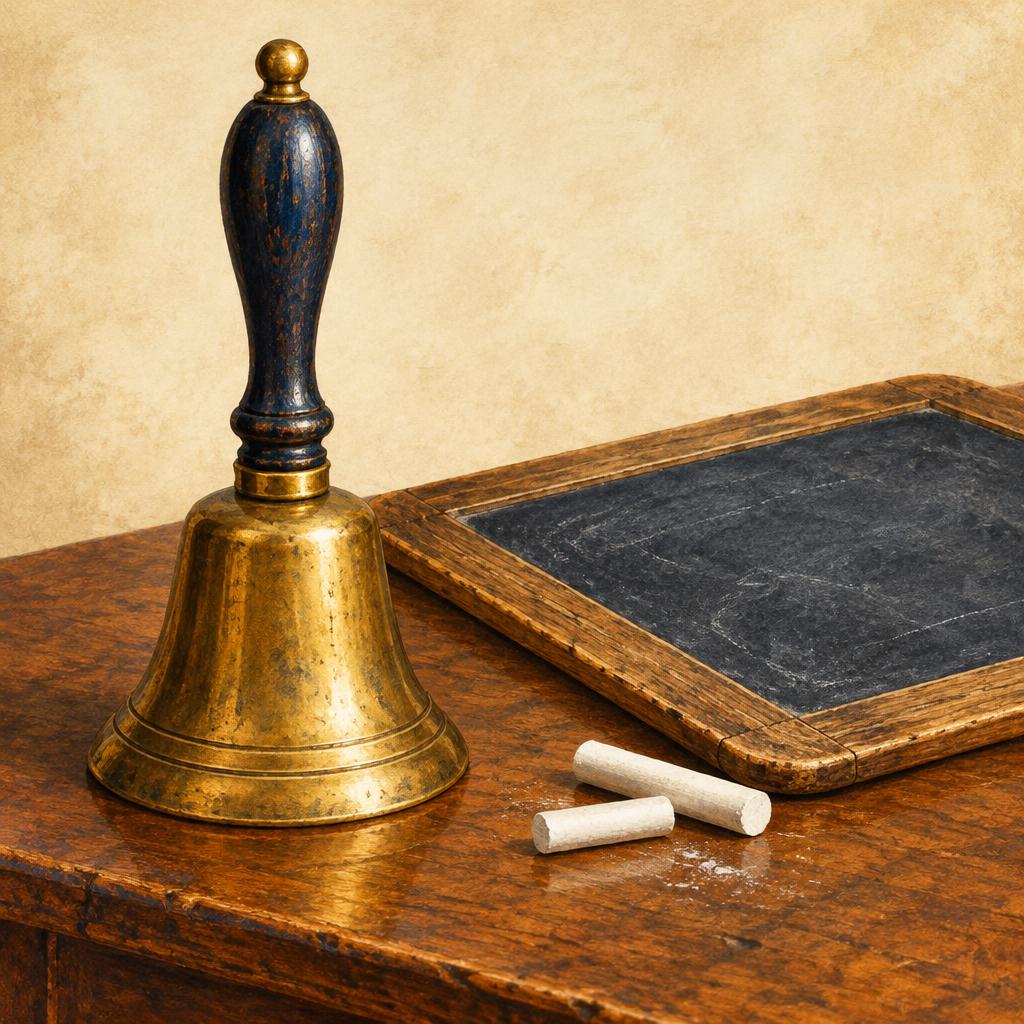
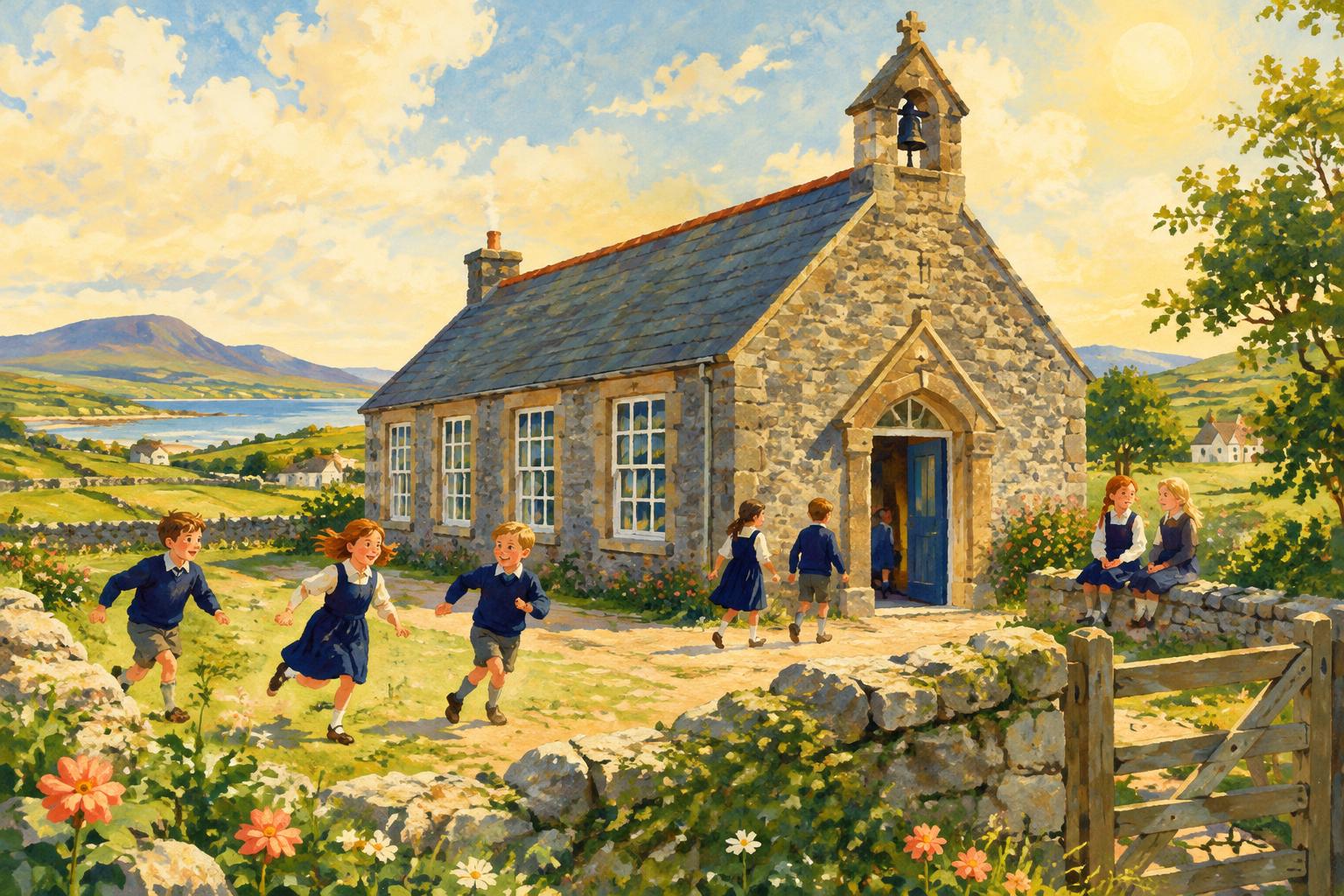
Illustration of a historic school bell
Audio stories

02 / CREATE & EXPLORE

Give a memory a voice.

Record a memory, interview or short narration. Add a photograph and a written story to give listeners the full picture.

Try it: the sound of the school bell and the story behind it.

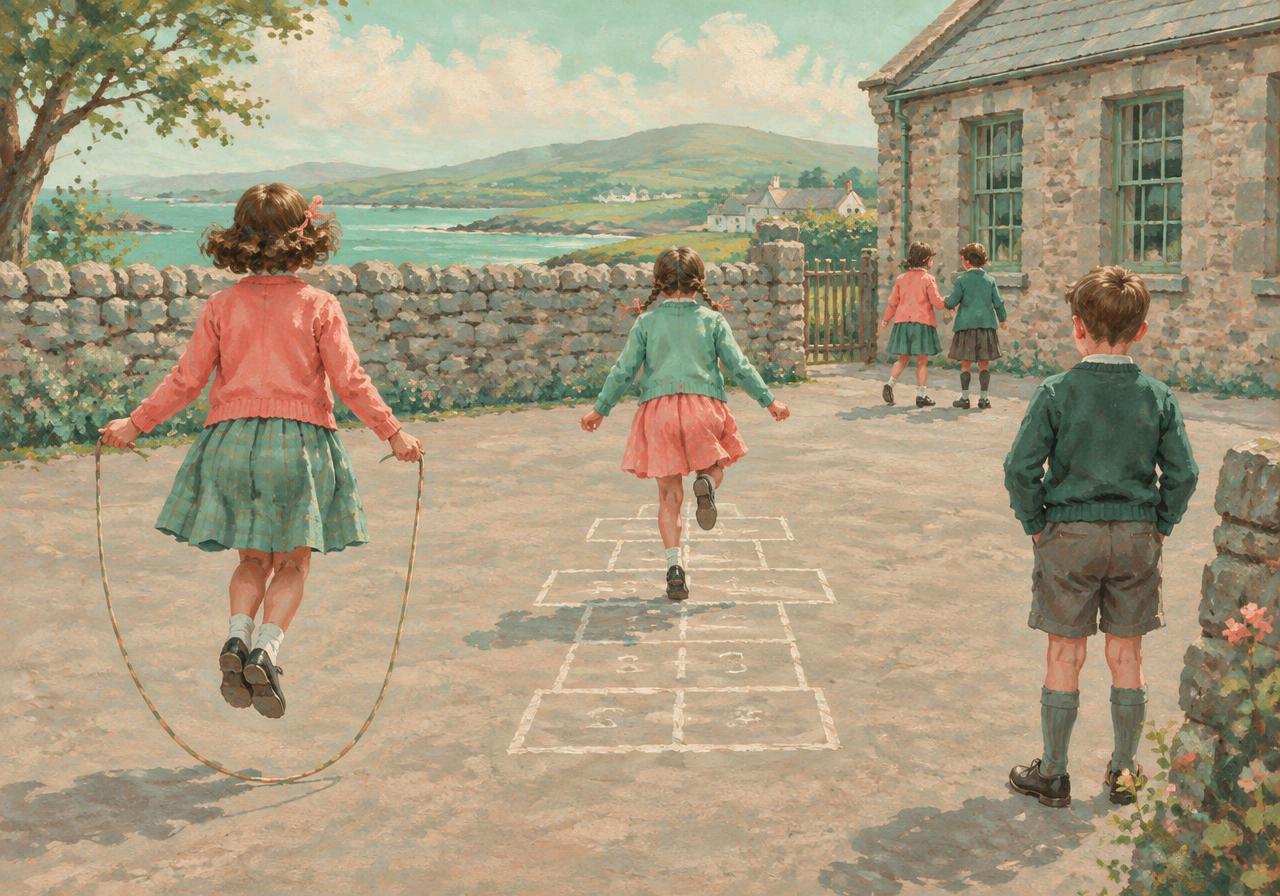
Illustrated schoolyard with details to explore
Photo hotspots

03 / CREATE & EXPLORE

Every picture has more to discover.

Place tappable points on a photograph. Each point opens a little piece of the story: a person, an object or a surprising detail.

Try it: a treasure hunt through an old schoolyard photograph.

Illustration of an Irish stone schoolhouse
Historical timelines

04 / CREATE & EXPLORE

Build a journey through the years.

Put important moments in order, with dates, headings and short stories. Help visitors follow how your school grew and changed.

Try it: from the first school day to a brand-new classroom.

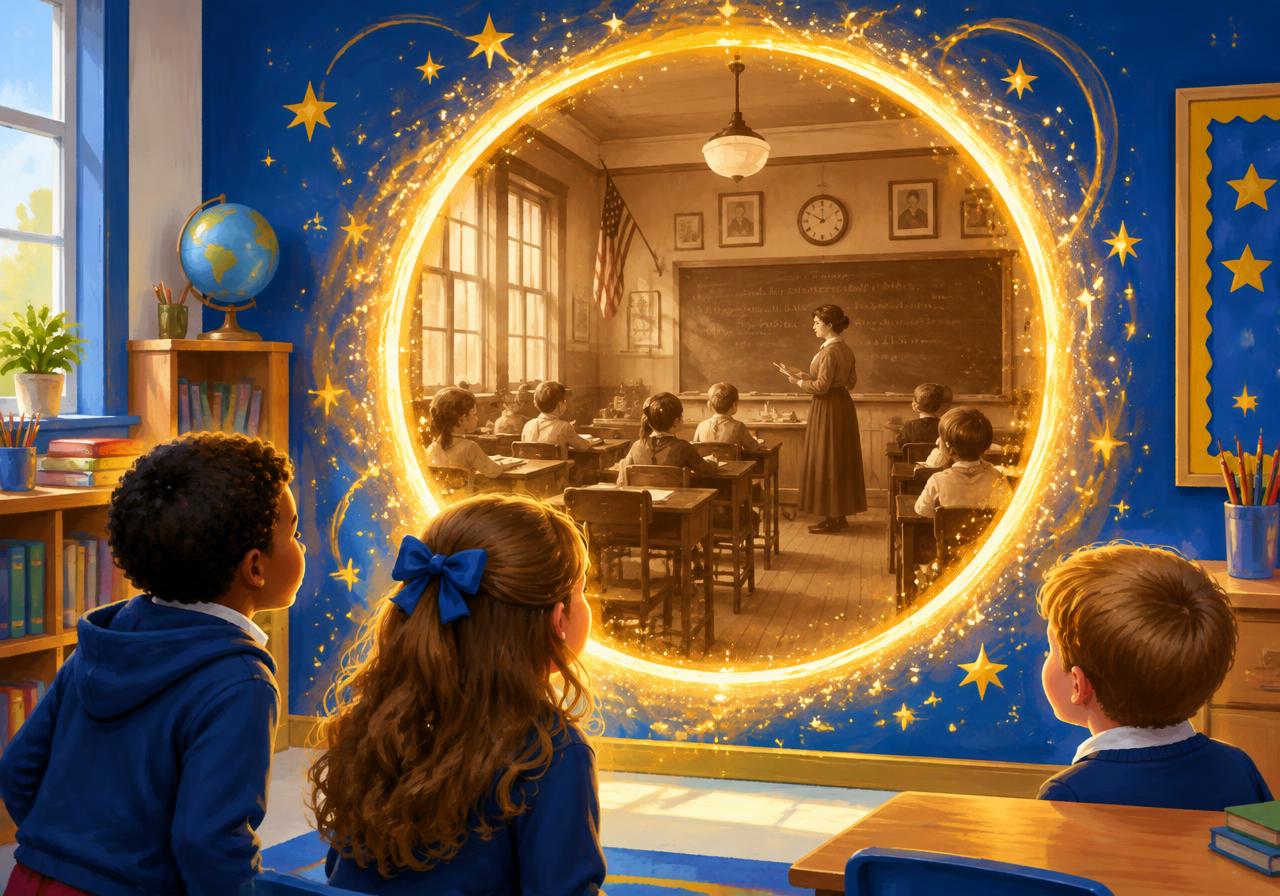
Illustration suggesting a colourful portal into another classroom
360° portals

05 / CREATE & EXPLORE

Open a window to another place.

Teachers can add a 2:1 panoramic image to a portal experience. Visitors see it through a camera frame, then tap Enter portal to look around in a full-screen 360° view.

Try it: a panoramic tour of a special space in your school.

From a class project to a school discovery trail.

Teachers review the work and choose what to publish. Share published experiences with a QR heritage station card, or bring them together on a branded school page with your school's logo and story.

Explore school pages

Collect → Create → Review → Share

  • Upload photos, recordings, written stories and 360° pictures.
  • Build an experience around your discoveries.
  • Students send their work to the teacher for feedback.
  • The teacher approves and publishes when it is ready.

YOUR FIRST STEPS

Ready to make something?

Staff use a school account. Students join with six numbers from their teacher. Choose your starting point below.

School administrators

  1. 1

    Ask the platform administrator to create your school and school administrator account. There is no public staff sign-up.

  2. 2

    Log in and open School studio. In Our school & staff, use Add teacher to create accounts and share their sign-in details privately.

  3. 3

    Create a classroom and a school project, then assign the project to that classroom.

Teachers

  1. 1

    Ask your school administrator to create your account and share your sign-in details. Use Forgot password to choose your own password.

  2. 2

    Log in, open School studio and choose your school project. Add content in School library, then build it in Experiences.

  3. 3

    Share the classroom's six-digit join code with students. Review Student submissions, give feedback, then approve and publish work when ready.

Students

  1. 1

    Ask your teacher for the six-digit class code. On the home page, enter it in Join My Class and tap Join. You do not need an email address.

  2. 2

    Open My studio, choose Create a new experience and select your class project. Add content, build your experience and preview it.

  3. 3

    Save your draft or tap Send to teacher. Use the same browser and device to return to your work and read your teacher's feedback.

Just here to explore?

Open a published school page or scan a heritage station's QR code. You can read and listen without a staff login. For AR, tap the camera action and allow camera access when asked. For a portal, tap Enter portal to look around.